
VIP ARC Raiders Cheat
Cheats Solutions
View details about this product and browse all the available options.
-
10,000+Products Sold
-
4.9/5 from 500+ reviews
VIP ARC Raiders Cheat
Undetected
Requirements
- Supported Platforms: Steam, XBOX & Epic Games
- Supported Game Mode: Windowed / Borderless
- Supported Processors: Intel and AMD
- Supported OS: Windows 10–11 x64
- Supported builds: Everything from 1903 to latest
- Video or Screenshot Invisibility Support: Yes
- HWID Spoofer: Included
Aimbot
- Enable – Activate
- Always – Always active
- Visibility check – Validate line of sight
- Draw FOV Border – Display FOV circle
- Draw FOV Background – Display FOV background
- First keybind – Primary aim key
- Second keybind – Secondary aim key
- Targets – (Players, Bots, Teams)
- Find bone type – (Selected bone, Closest bone, Random bone)
- Bone – (Head, Neck, Body, Pelvis...)
- FOV Size – Adjust field-of-view radius
- Smoothness – Adjust aiming smoothness
- Max distance – Maximum targeting range
Player ESP
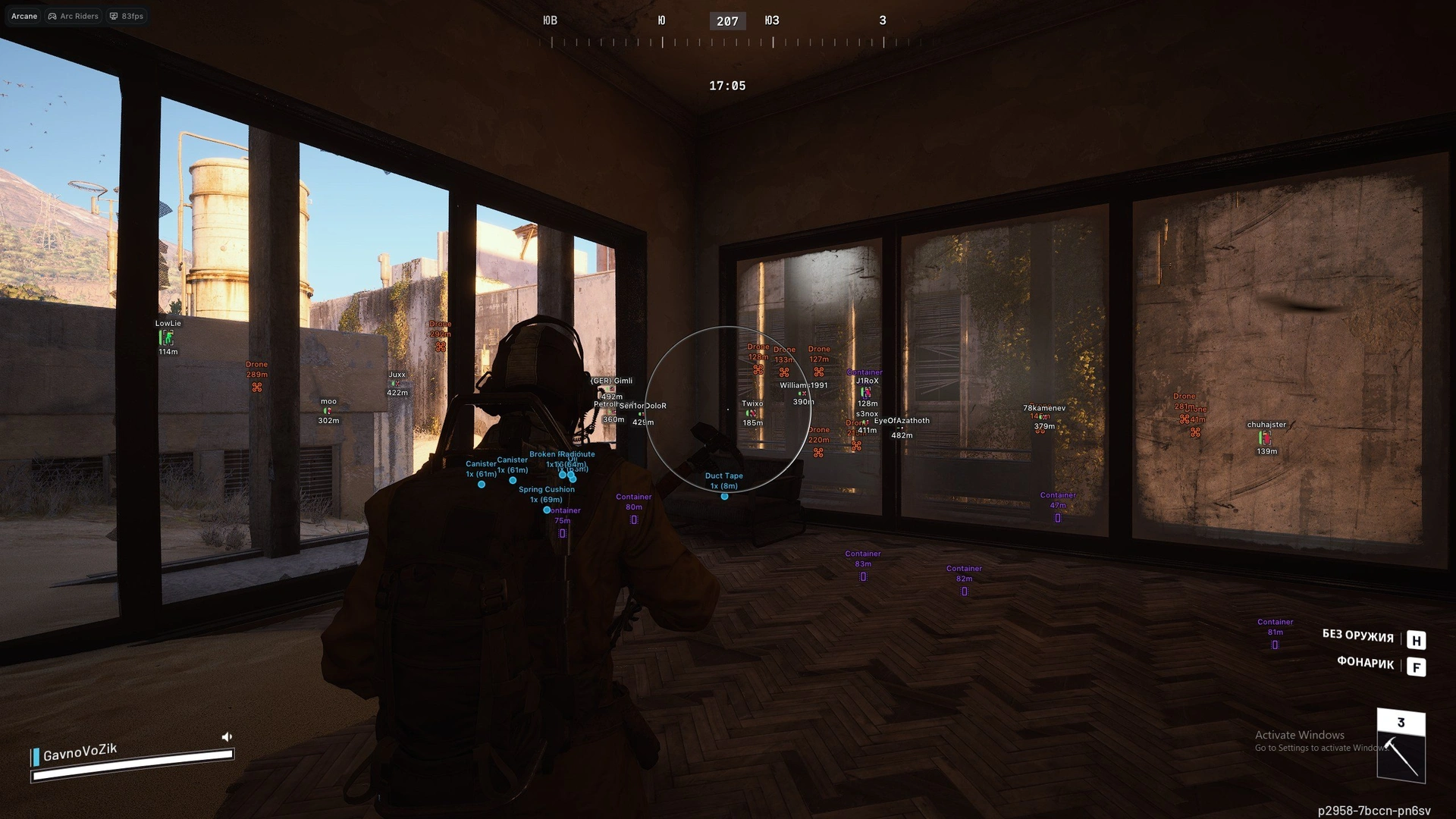
- Bounding box – (Box, Corner)
- Fill box – (Static, Gradient)
- Skeleton – (Draw head circle, Fill head circle, Thickness)
- Line to enemy – (Color, Position)
- Health bar – (Static, Health-based, Gradient)
- View line – Directional view indicator
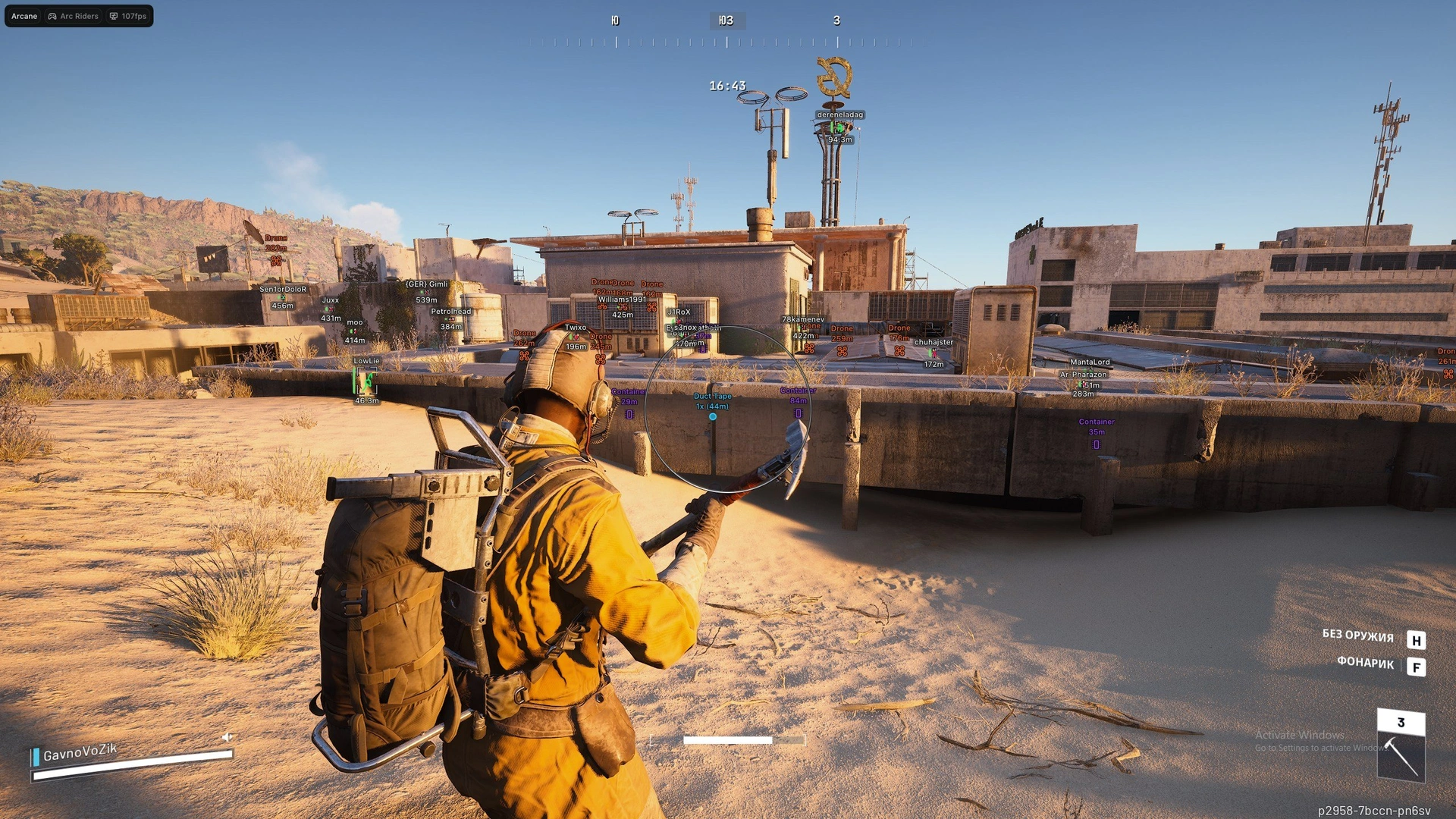
- Name – Display nickname
- Distance – Show distance
- Draw BOTs – Show AI units
- Draw teammates – Show allies
- Visibility check – Visibility validation
- Bot transparency – Adjust AI opacity
- Max distance – Maximum render distance
Items ESP
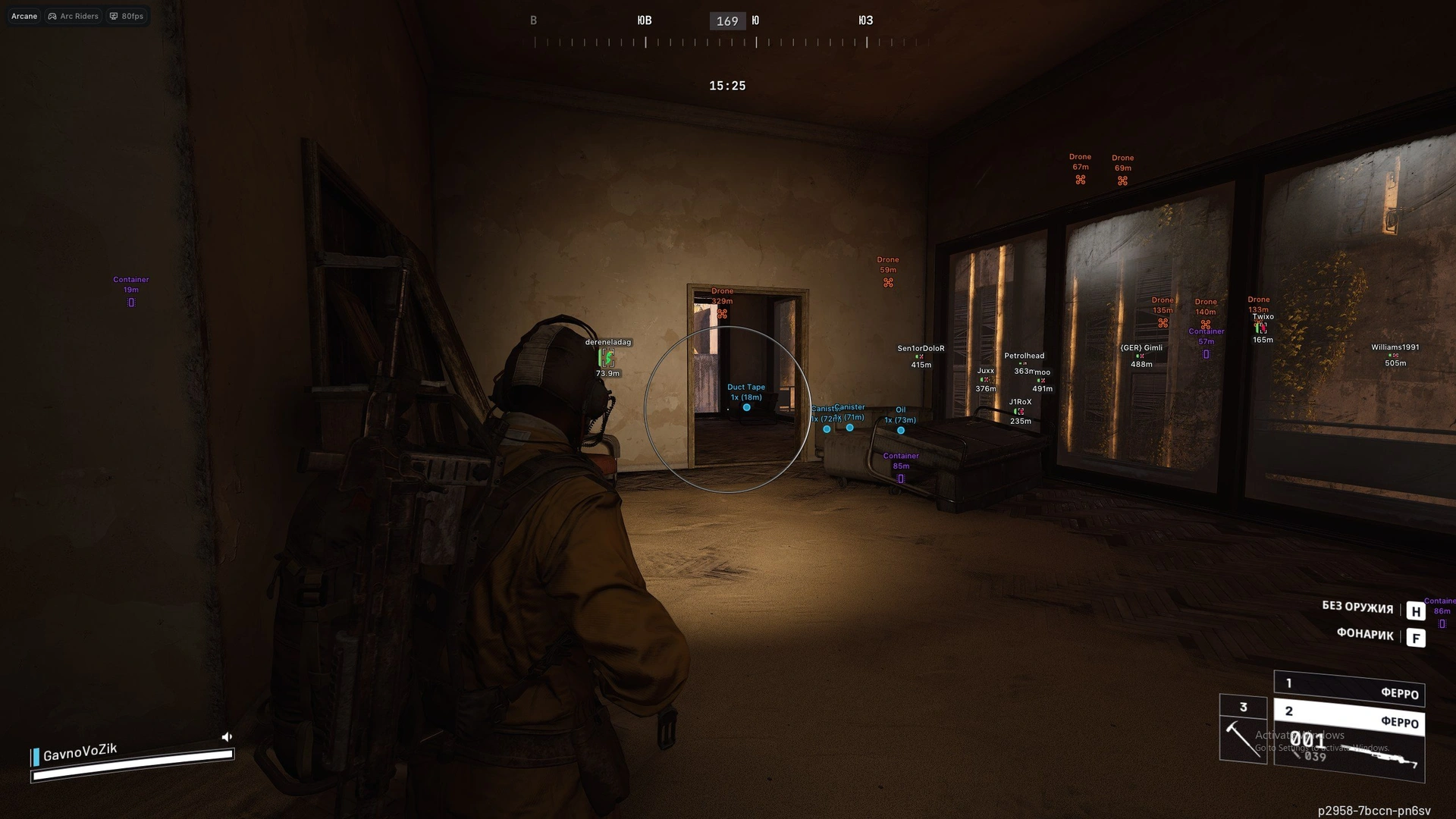
- Show count – Display item quantity
- Show distance – Display item distance
- Drone – Highlight drones
- Container – Highlight containers
- Dropped item – Highlight dropped loot
Radar
- Enable – Toggle radar
- Show distance – Display distances on radar
- Zoom – Adjust zoom level
- Size X / Size Y – Radar dimensions
- Distance transparency – Fade by distance
- Color outline – Outline color settings
- Color background – Background color settings
- Entities
- Show player – Display players
- Show AI – Display AI units
- Show team – Display teammates
Misc
- No Recoil – Remove weapon recoil
- No Spread – Remove bullet spread
- Fullbright (Three Styles)
- Enable/Disable shadows
- Enable/Disable grass
- Enable/Disable clouds
- Darken corners
- Enable/Disable textures
Settings
- Menu keybind – Open menu
- Unload keybind – Unload tool
- DPI Scale – Interface scaling
- FPS Limit – Frame rate cap
- Theme – (Murky, Sunny)
- Watermark – Display watermark
- Language – (EN, RU, CN)